WOORKER INTEGRATIONS
Your stack.
One shared memory.
The tools you work in already know a lot about your business. Bring their context together, then put it back to work.
Find your connection ↗@
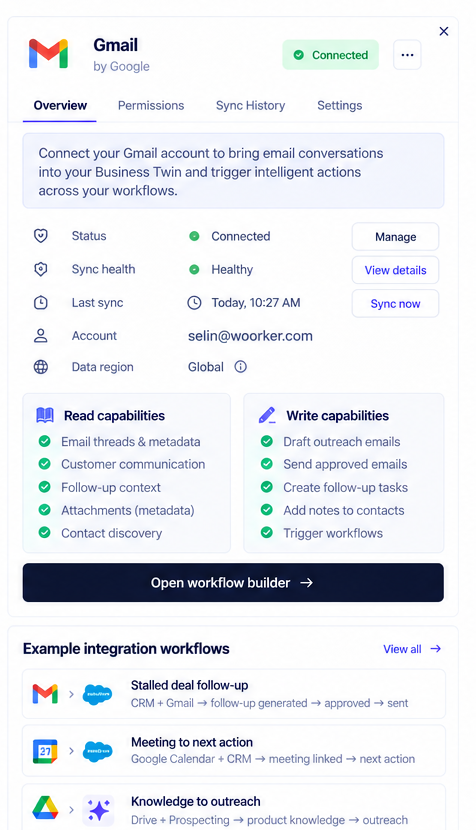
GmailConversations with context
□
Google CalendarTime connected to the account
 WoorkerShared business context
#
SlackTeam conversations, connected
⌘
API & webhooksYour own connection paths
Find your
next connection.
Start with the tools your team already uses. Explore what each connection can read and do, with live availability and roadmap status kept clearly separate.
Context comes in.
Progress goes out.
Connecting is more than importing. Your workspace understands what is happening and helps the next step happen in the right tool.
CONTEXT IN
Email threads → Account history
Calendar events → Meeting context
Understand.Then act.
ACTIONS OUT
Approved drafts → Follow-ups
Next steps → Meetings & tasks
Capabilities depend on the connector, its availability and the permissions you grant.