CRM memory. AI intelligence. Action layer.
Three layers, one product. Together they become your Business Twin — a system that remembers, reasons, and acts.
Everything about your business, in one place.
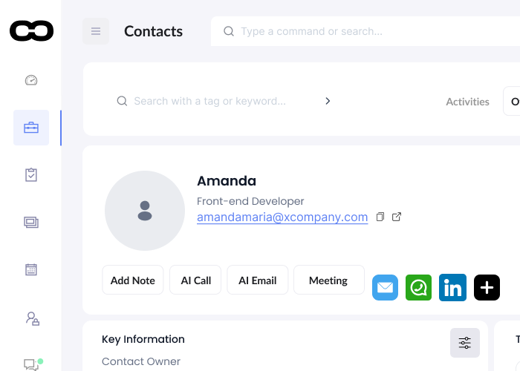
Companies, people, deals, tasks, emails, calendar and documents — structured automatically, not typed in by hand.
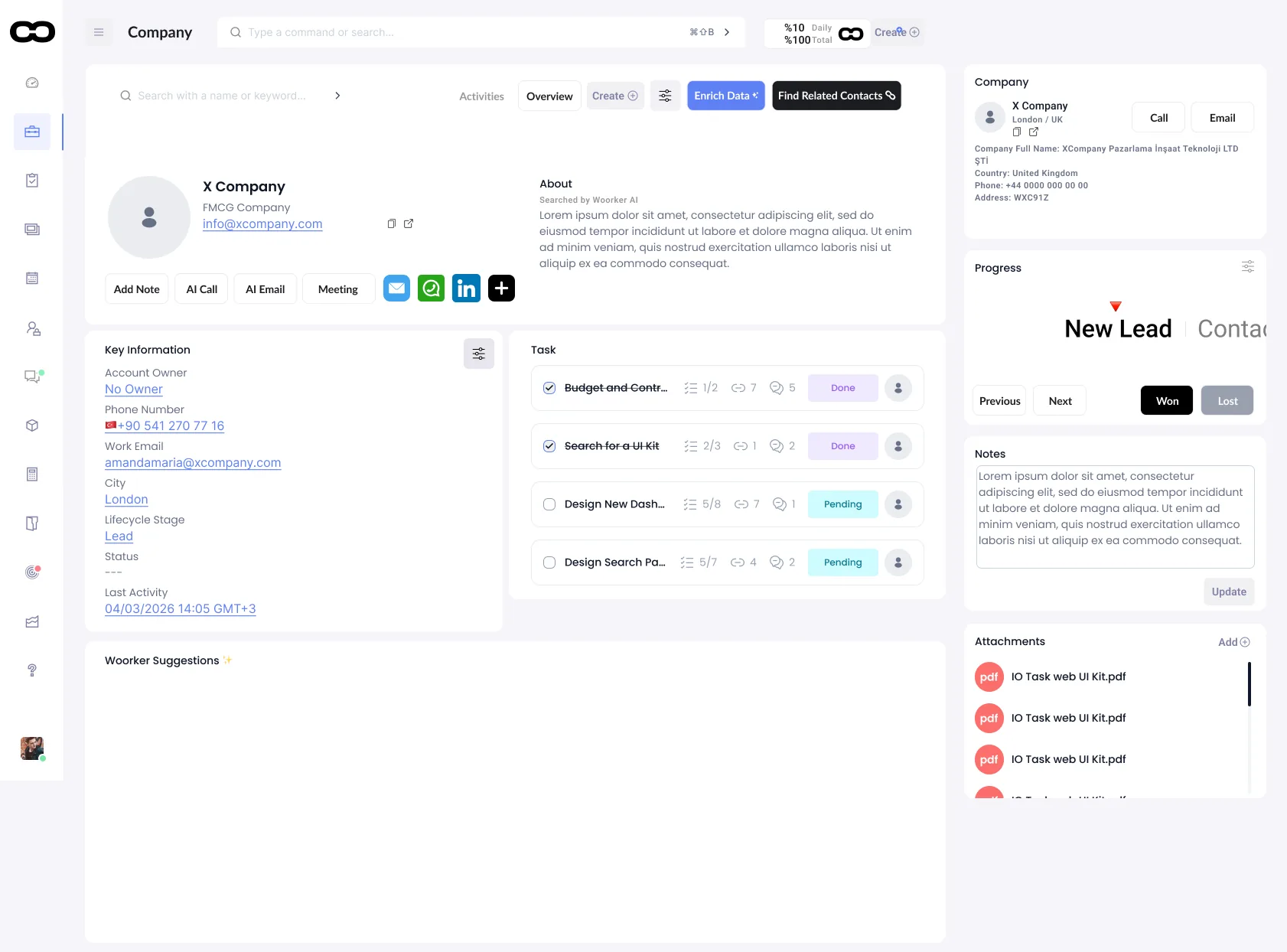
Every account, fully profiled.
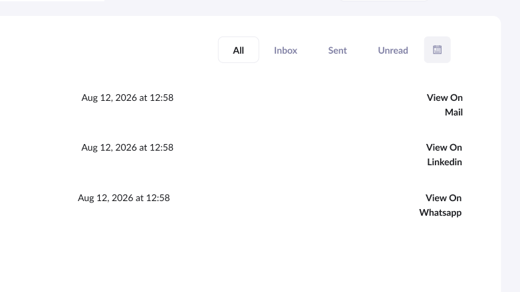
Contact details, ownership, lifecycle stage and history are kept current without manual data entry.
- Auto-enriched company & contact records
- Ownership and lifecycle stage tracked automatically
- Full activity history in one panel
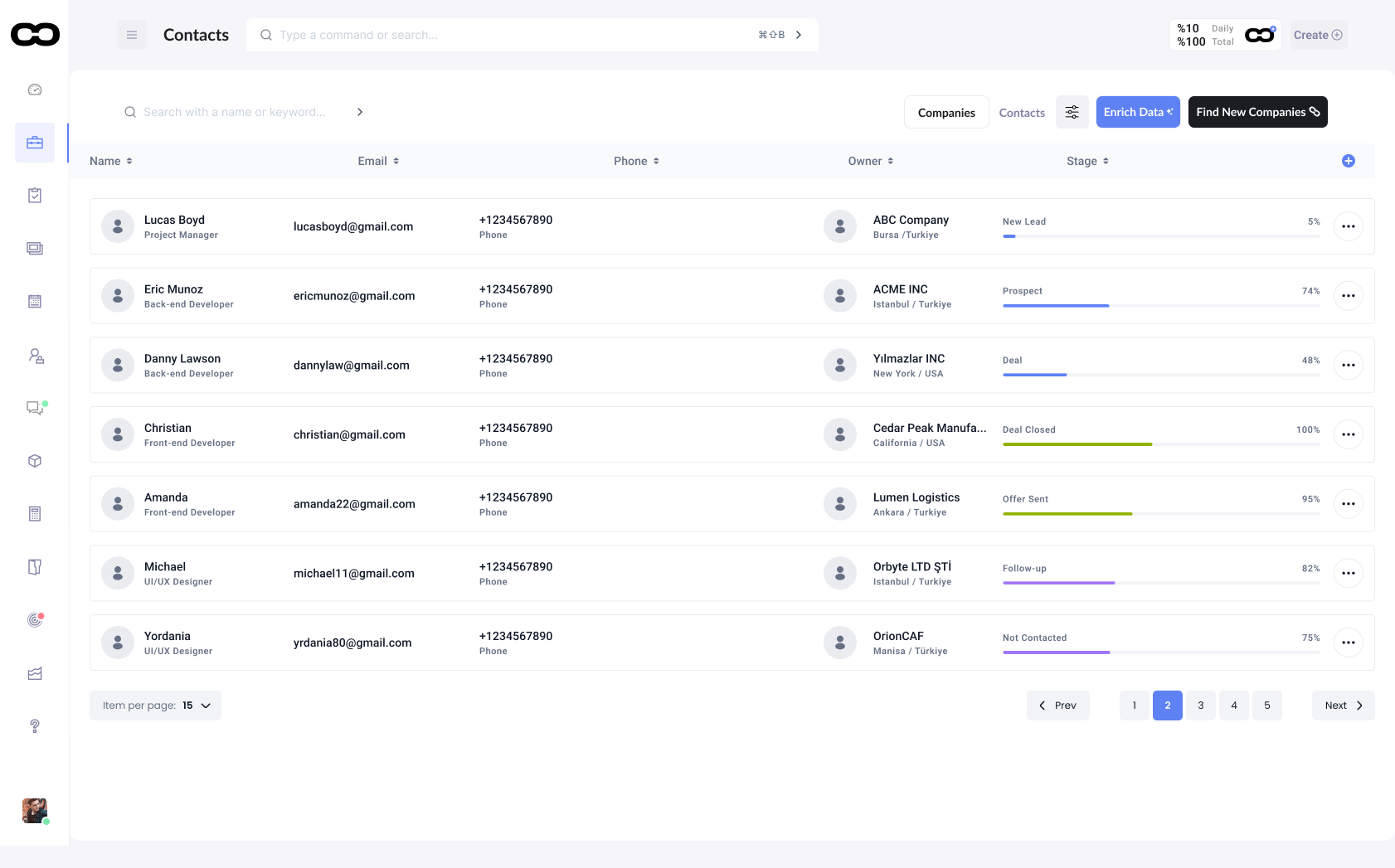
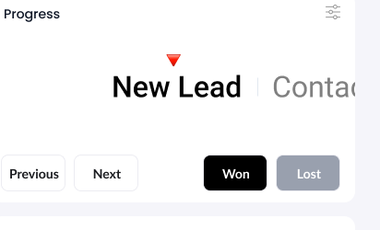
See exactly where every deal stands.
Stage, owner and next step are visible at a glance — and Woorker flags what needs attention before it stalls.
- Stage-based pipeline view
- Automatic stall detection
- One-click stage updates
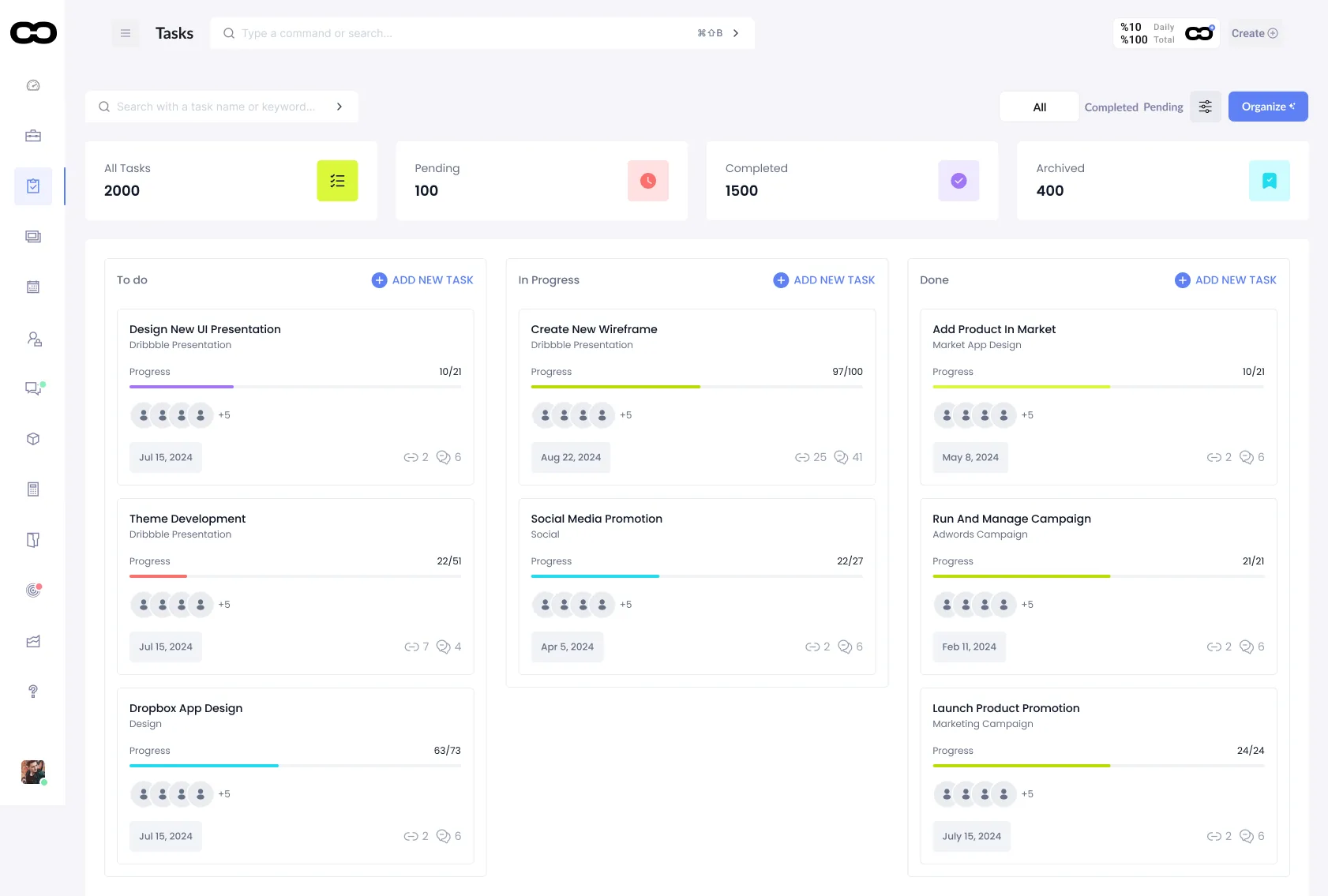
Work organized the way your team actually runs it.
To-do, in progress, done — tied back to the account and deal that created them.
- Kanban and list views
- Linked to the account automatically
- Progress rolls up to reporting

Ask a question. Get a decision-ready answer.
Woorker researches, reasons over your CRM data, and surfaces a specific recommendation — not a generic summary.
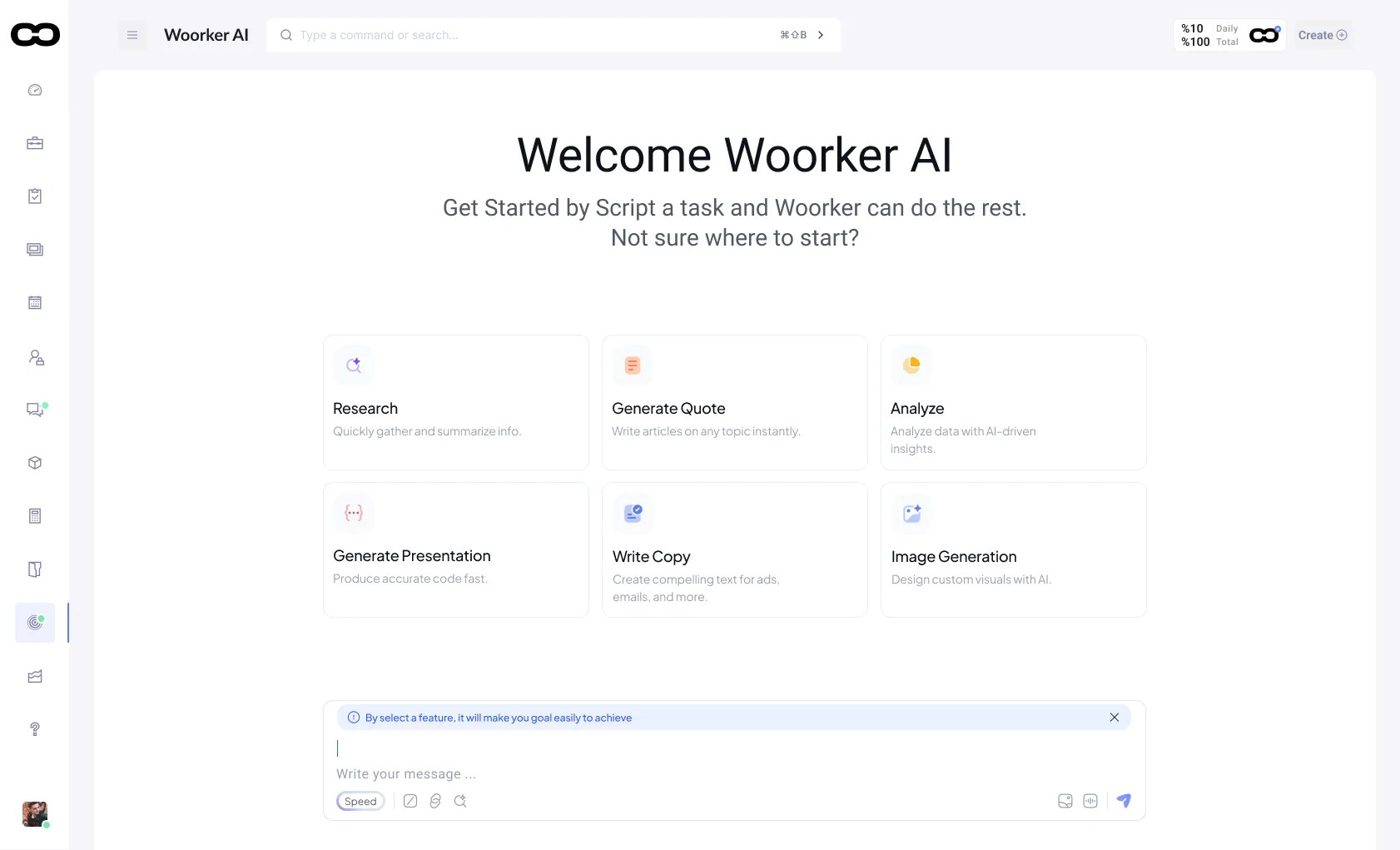
A starting point for any question about your business.
Research a company, draft a quote, or ask what needs attention today — in plain language.
Not a dashboard. A next move.
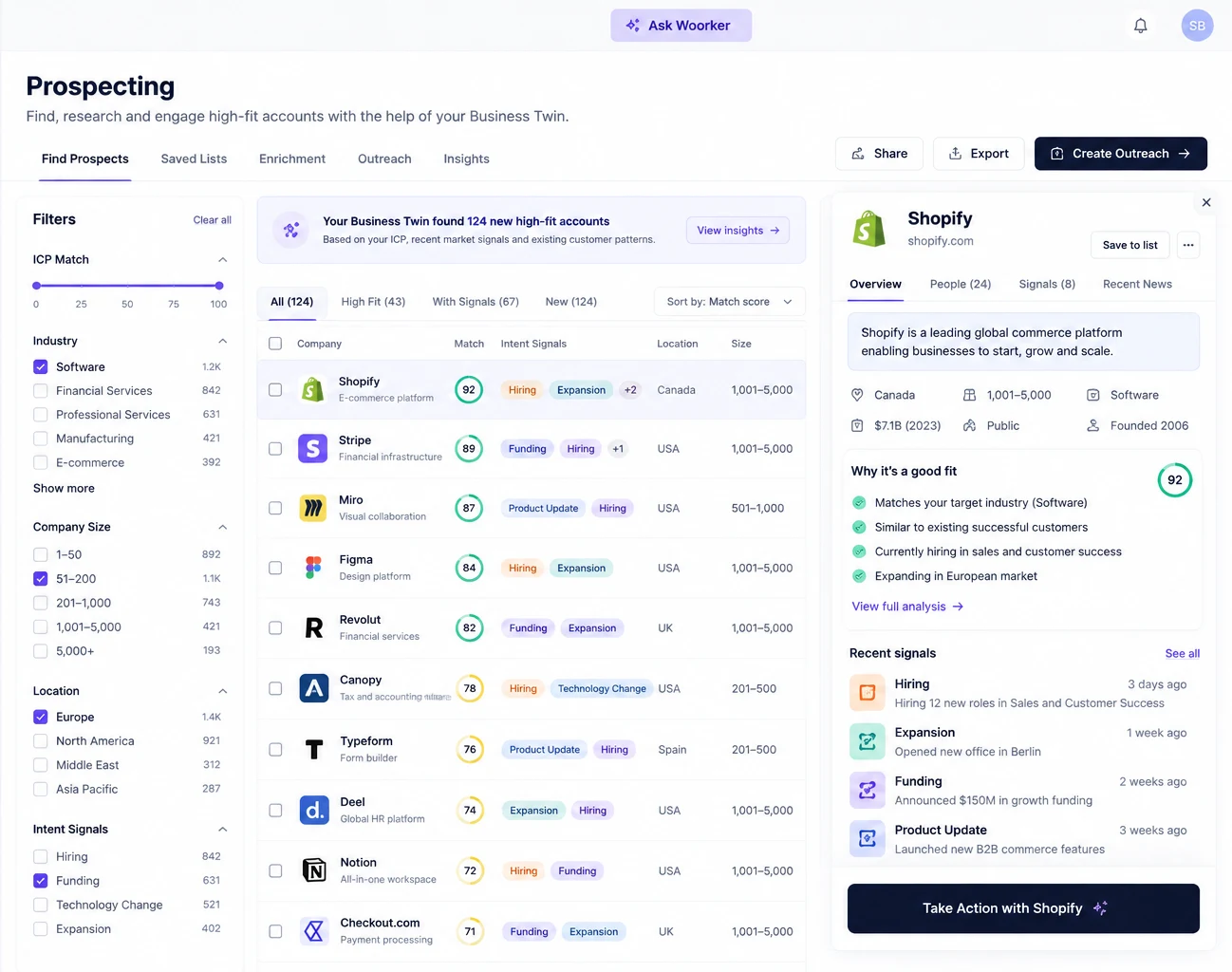
Woorker weighs signals across your CRM and market data, then tells you specifically what to do next.
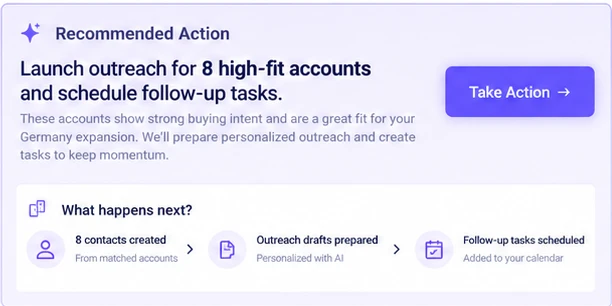
Recommendations don't wait for you to execute them by hand.
Every action Woorker suggests can be run in one click — and it writes straight back into your CRM.
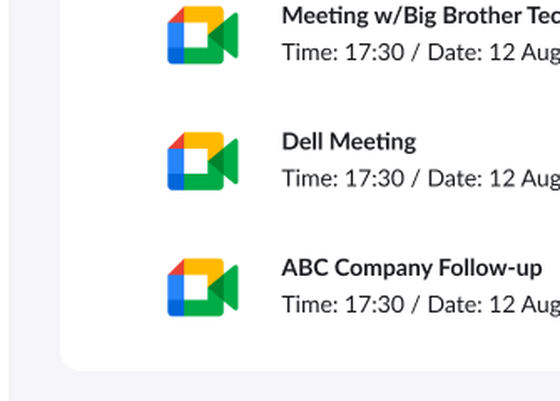
Create records, prepare outreach, schedule meetings.
- Create CRM records from any context
- Prepare and queue outreach
- Schedule meetings against real availability
- Create tasks and trigger workflows